Crypto-backed debit cards act as a bridge between digital assets and everyday spending. Using one, you can pay for items in stablecoin, and the merchant will receive local currency. Now that it is clear, the spotlight today is on OKX Card, a virtual debit card that grants new users 20% cashback on all USDG purchases during the 30-day welcome period. If you are contemplating whether an OKX Card is a good choice for you, read closely. Here, I share how this debit card works and how fees on the platform are set up. You will also learn what there is to like about the OKX Card that you can’t find anywhere else.
What is OKX Card
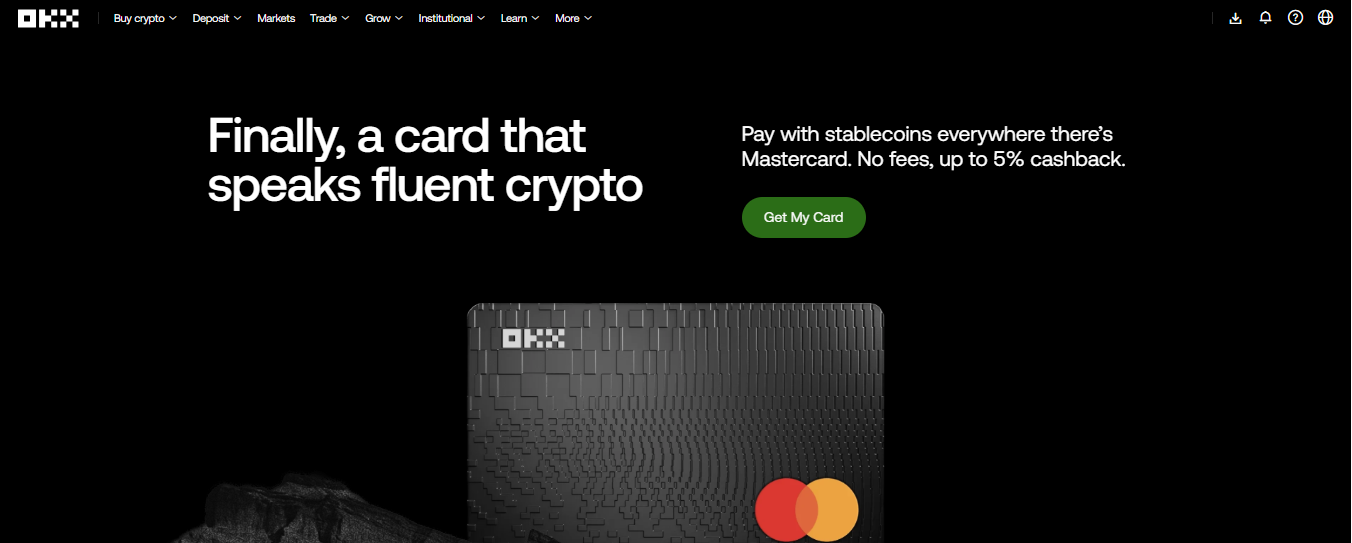
OKX Card is a cryptocurrency debit card that allows you to spend stablecoins at any merchant that accepts Mastercard. Unlike cards that require you to manually sell your crypto, OKX Card automates the conversion at the point of sale. Currently, OKX Card supports spending in USDG.
OKX Card New User Cashback explained
During the 30-day welcome period, eligible new users get 20% cashback on purchases funded with USDG. These rewards are paid exclusively in USDG and credited directly to your OKX Pay account.
Once the 30-day promotional window expires, the OKX Card reverts to a “Core” cashback model. Your ongoing reward rate is determined by your OKX VIP level, which is calculated based on your 30-day trading volume or your total asset holdings (AUM) on the exchange.
| Tier | Requirement (AUM or Volume) | Ongoing Cashback Rate | Monthly Cap |
| Regular | < €100,000 | 2% | €10 |
| VIP 1–9 | > €100,000 | 4% | €100 |
How to get an OKX Card
Learn how to request the OKX virtual and physical cards.
OKX Card Requirements
Basic requirements to get OKX card
- Must reside within the EEA
- Valid passport or national ID
- KYC verification
- Activated OKX Pay account
- The OKX app
- USDC or USDG balance
How to order OKX card
Steps to order the OKX card:
- Step one: Open the OKX app and navigate to the Grow tab, then select Card.
- Step two: Review the card terms and tap Get my card to initiate the application.
- Step three: Select your preferred stablecoin as the primary spending asset (USDC or USDG).
- Step four: Provide your delivery address for record-keeping purposes and confirm your identity details.
- Step five: Set your card PIN and complete the 2FA (Two-Factor Authentication) check to finalise the activation. Once approved, you can add OKX Card to Apple Pay or Google Pay.
How to top up OKX Card with EUR
Once your OKX virtual card is issued, follow these steps to deposit EUR:
- Step one: Log in to the OKX app and navigate to the Transfer section on the homepage.
- Step two: Select Express and choose EUR as the currency you wish to deposit.
- Step three: Enter the amount of EUR you want to add to your balance and select Debit/Credit card as the payment method.
- Step four: Add your card details (Card number, Expiry date, and CVV). For security, ensure the name on the card matches your verified OKX account name.
- Step five: Review the transaction details, including any applicable processing fees, and tap Confirm.
- Step six: Once the payment is processed, the funds will appear in your Funding Account. The OKX Card will now automatically use this EUR balance for any local purchases.
OKX Top Up Accepted card
You can use a Visa or Mastercard issued by banks in the EEA region.
OKX Top Up Fees
Here’s where it gets a little bit confusing. There is no fixed deposit fee on OKX card. It all depends on the exchange or wallet you’re sending from. For instance, your preferred deposit option could have a flat fee of 3 EUR, but another exchange could charge percentage fees. Meanwhile, some deposit options charge flat + deposit fees. The good thing is that actual fees will always be displayed on the Deposit Preview, so you always know what you’re getting before clicking accept.
OKX Card Pros
Advantages of OKX card
- The only fee is 0.1% conversion spread
- Earn 20% cashback in your first 30 days
- Built for navigating Europe’s high regulatory standards
OKX Card Cons
Disadvantages of OKX Card.
- No credit card flexibility
- Not available outside Europe yet
OKX Card Fees and Pricing
OKX card stands out because there are zero fees at all. You only pay a tiny 0.1% spread on crypto-to-fiat conversions that happen at the point of sale.
| Category | Fee |
| Virtual card | Free |
| FX fee (EURO) | 0% |
| FX fee (non-EURO) | 0% |
| Conversion spread | 0.1% |
OKX Card Spending and ATM Limits
OKX card limits.
| Category | Limit |
| Daily spend | $25,000 or 100 transactions |
| Monthly spend | $100,000 or 500 transactions |
OKX Card Basic Features
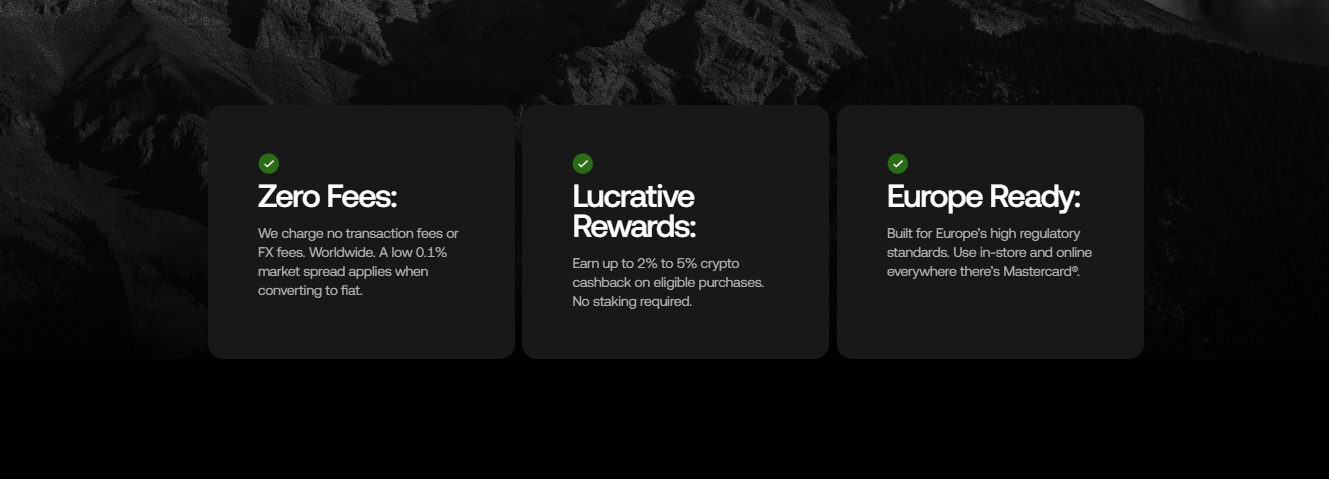
Basic features of OKX card
Apple/Google Pay integration
Since OKX Card is issued primarily as a virtual card, you can link it to Apple Pay or Google Pay to make NFC (contactless) payments.
Spend USDC freely within the European Economic Area
OKX Card lets you spend crypto freely within the European Economic Area. Just top up your card balance and let OKX handle all the manual conversions for you.
Earn 20% Cashback in your first 30 days.
New OKX users get up to 20% during the first 30 days of registration. Although the window is intentionally kept short to minimise payouts, OKX Card offer is one of a kind. For instance, the average cashback for crypto cards ranges between 2 to 4%.
Instant crypto to EUR conversion
When you attempt a payment with OKX card, OKX instantly calculates the necessary amount of crypto to cover the EUR cost. The conversion happens at the millisecond of the transaction, ensuring that you only sell exactly what you need to spend at the current market rate.
Zero FX or transaction fees
One of my favourite aspects of OKX Card is its low fees. OKX does not charge a monthly subscription fee, an issuance fee, or a foreign exchange (FX) fee. This makes it an ideal travel companion within Europe, as you aren’t penalised for spending in different currencies across the EEA. Note that while transaction fees are zero, a transparent 0.1% market spread still applies to the crypto-to-fiat conversion.
OKX Card Review: Conclusion?
In summary, OKX Card is a virtual card designed for crypto natives residing within the European Economic Area. Not only does it allow you to spend crypto as easily as cash, but OKX also grants new users 20% cashback during the initial welcome period. The only drawback to this virtual card is its limited availability in some regions. For instance, OKX is totally shut off to US residents.
OKX Card Review FAQs
How do I request my OKX card?
You apply for the OKX card within the OKX app under the Grow or Finance tab. After selecting Card, you must complete Identity Verification Level 2 to qualify. Once approved, the virtual card is issued instantly for mobile wallet use.
Is the OKX Card free?
Yes, the OKX card is completely free. There are zero issuance, monthly, or annual maintenance fees. OKX also waives inactivity fees, making it a good option for occasional crypto users. You only pay for the assets you spend at the point of sale.
Where can I use the card?
Since it is based on Mastercard, you can use OKX card in millions of stores worldwide. You can also use it for online shopping or add it to Apple Pay and Google Pay for in-store NFC payments. Note that issuance is currently limited to EEA residents.
What is a deposit limit?
Deposit limits are the maximum EUR amounts you can move into your OKX Card using a personal credit or debit card. These caps depend on your KYC level and account history. Higher verification levels usually unlock larger daily and monthly deposit volumes.
What are the OKX Card fees?
OKX charges 0% for transactions and foreign exchange (FX) services. However, a 0.4% market spread applies when converting stablecoins to EUR during a purchase. This spread is the only technical cost associated with using the card for pay.